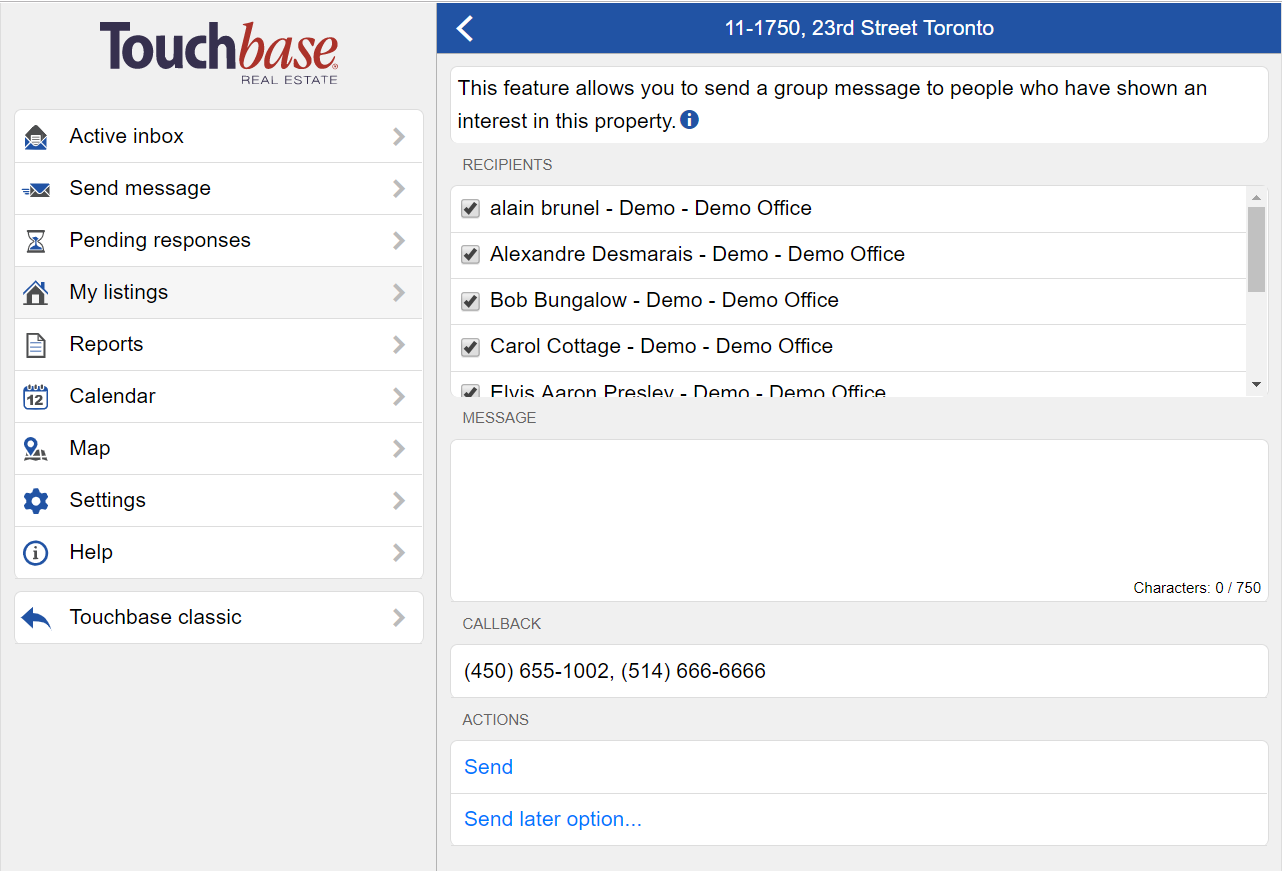
Touchbase will automatically collect and list anyone who has expressed their interest in your listing. This means that in order to contact them, you just have to type out your message, and send!
To Send Notice about a listing, simply click on My listings > Choose the listing > Send notice.
You will see a checklist containing all the names of those who contacted you about this listing.
You can uncheck any names that you do not wish to contact before sending.
Type out your message, and Send now, or Send Later.