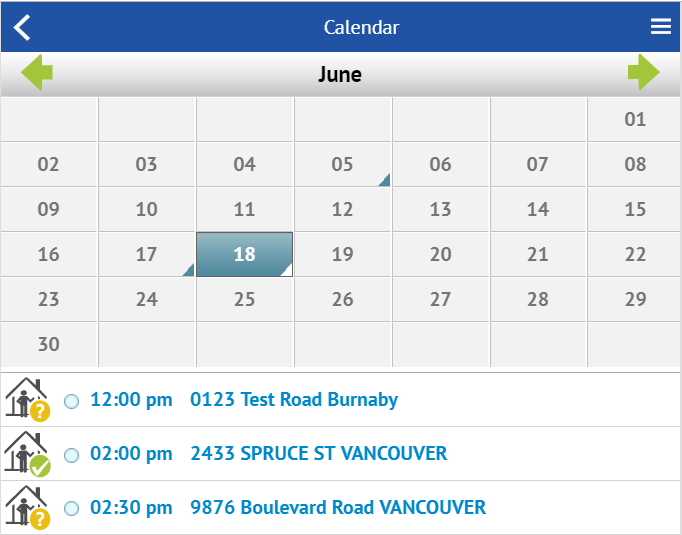
Click on any of the appointments in the list, and you will open up the message thread. From there, you can reply or call the other agent!
The calendar auto-updates to include appointments you book through our platform or your MLS®.
That’s right! You don’t ever have to worry about showings falling through the cracks. We automatically update your calendar every time you request to show a listing, or someone requests to show one of your listings.
Any changes made to the appointment time later on will also be reflected in the calendar.
You can view your calendar in List View, Day View, and Month View.